
Strategic Overview: VAUSA
Built by GEN Systems. Run on Business Hub OS. At home in FlowState.



Prepared November 13, 2026 · From our conversation with Caitlyn Carlston and a read of the public record
VAUSA gives business owners their time back. This overview is about the system underneath that promise: where it is strong, where it leaks, and the working setup we walked through together on the call.
Watch and listen
The short version: who VAUSA is, what the public record shows, the folder system and the tools, a local model with a voice that feeds it, and the webinar first step. Runtime 2:05.
Prefer to listen? The two-voice podcast recap covers the same ground. Runtime 3:40.
The presentation
The whole system as a sixteen slide deck, the one built to walk Caitlyn and her department heads through it. It opens in VAUSA's own language first: purpose, people, passion, the three values, and the recruit, match, onboard, coach process. Then it lays out the system underneath: Zuops and Muse, one folder per client, the guide that reads it, and the oversight layer. The deck now lives on the house presentation domain, in a richer color treatment, and that format is the template every future deck follows.
01Who VAUSA is
- Founded in 2018 by Brett and Mary Elaine Baker, a military couple. Mary Elaine started as a virtual assistant herself after burning out as an elementary school teacher during her husband's deployments, in a season when military spouse unemployment ran about four times the national average. VAUSA is the company that insight built.
- The mission, in their words: create meaningful jobs and community for military families by strategically building remote teams for faith and purpose driven businesses.
- The model is a system, not a staffing board: values based vetting, a match that presents two top candidates with detailed profiles and assessment results (DISC and the Working Genius), a custom 90 day success roadmap at onboarding, and a Success Coach who supports both the client and the assistant on an ongoing basis.
- The guarantees are real: if a client is unhappy with their assistant, VAUSA replaces them free. If an assistant is sick or on maternity leave, backup coverage steps in so the client is never uncovered.
- Every assistant writes the playbook: VAs create standard operating procedures for everything they do for their client, so the knowledge belongs to the relationship, not to one person's memory.
- The shape of the work: hour packages, part time or full time, commonly 15, 20, or 30 hours a week, with the assistant acting as an executive right hand. Signature Staffing adds a second engine, placing contractors into client roles through the same matching process.
- Values on the door: Authentic Connection, Selfless Service, Intentional Growth, stated plainly on the site along with a published statement of faith. The niche is the point.
02What the public record shows
One door in
Every path on the site leads to a single consultation booking on Calendly, plus one email series. There is no chat or capture layer for the visitor who is interested but not ready, and an inquiry that arrives after hours simply waits.
No middle rung
Nothing sits between reading the site and booking the call: no guide, no sample engagement, no way for a prospect to raise a smaller hand first. For a high touch service that is a deliberate choice, and it is also where warm interest goes quiet.
Proof lives at home
The testimonials are strong and named, and they live on VAUSA's own pages. No third party review profile surfaced for the brand in our read, so the proof a skeptical prospect goes looking for off the site is not there to find.
Quiet channels, loud story
Hundreds of clients and assistants since 2018, against an Instagram following of about 1.7K and a YouTube channel the founders themselves describe as dormant. The podcast circuit (Prosperity 101, Uncommon Freedom, iWork4Him) is doing more credibility work than the company's own channels.
No Google profile found
No Google Business Profile surfaced in search. VAUSA is fully remote with no published street address, so one may genuinely not exist; the practical effect is that zero Google reviews appear when a prospect searches the brand by name.
Full audit with sources: the findings above come from the VAUSA website and its public social presence, read on November 13, 2026. One caution we hold ourselves to: a different company with a similar name operates out of Pittsburgh. Nothing about that company appears in this overview; every fact here is VAUSA's own.
03The system we walked through on the call
Two layers form the base. Muse is the AI layer every assistant uses: one way of working, easy to connect to the tools already in place, so every VA gets the same leverage Caitlyn described using for lead research and follow up. Underneath it, the CRM runs on an agency model in Zuops: one account per client, carrying the unified inbox, the pipelines, the booking, the campaigns, and the automation, all fed by the client's folder. The calling and the social channels run through Zernio, the pipe that carries calls, texts, and social posting into that same account, so nothing lives in a separate app an assistant has to remember to open. Around that base sits the folder system itself.
One folder per client
The source of truth for that client: their website, their brand guide, everything known about their business, in one place. The assistant works from that folder. The systems work from that folder. Nothing lives in someone's head, and nothing is lost when a person changes.
NotebookLM is the guide
One NotebookLM notebook per client, built from that client's folder. The assistant asks it questions and gets cited answers drawn from the client's own material, and a new assistant onboards by listening to an audio overview of the account. The folder is the source of truth; the notebook is the guide that reads it.
Zoho email, alias economics
One Zoho Mail account with aliases for the whole team, instead of a paid seat for every address a company needs. Same inboxes, same deliverability discipline, a fraction of the seat count as the team grows.
Spaceship delegation
Clients put their domain in Spaceship and share an API connection, so the work on their domain happens without anyone handing over an admin login or a registrar password. Access is scoped, revocable, and clean.
One unified inbox
Email, text, WhatsApp, Facebook, LinkedIn: every conversation lands in one inbox inside the client's CRM account, where the assistant and the client see the same threads and nothing sits unseen in an app nobody opened.
Social on autopilot
Profiles connect once, by a link the client clicks, never by sharing passwords. From the brand guide in the folder, content is drafted, scheduled, and posted across the client's channels, and the assistant learns to run it, not just watch it.
We teach it
The point is not dependence. Clients and assistants are trained to run these tools themselves, the way VAUSA's own coaches train both sides of a match. The system gets stronger the longer it runs, and the people running it know why.
The fastest way to see the inbox card above is to watch it work:
The unified inbox in thirty seconds: every conversation, one inbox. A short piece from our own system, presented by Orca.
Inside that same account sits the whole marketing toolkit. These are not add-on apps; they are the tools of the same system, the part of the stack an assistant runs day to day:
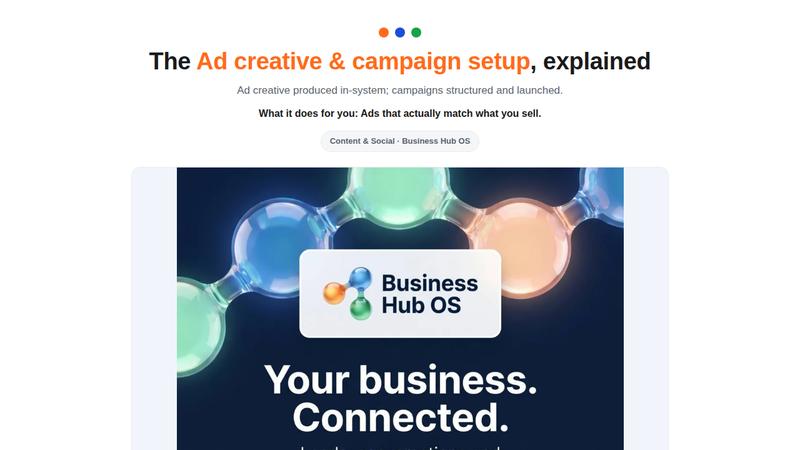
Campaigns
Email and text campaigns built once and sent to the right list at the right moment: launches, seasonal pushes, reactivation of quiet contacts, all tracked against the pipeline they feed.
Follow-up sequences
Automations that keep working after the first touch: the new lead answered in minutes, the consultation no-show rebooked, the quiet prospect checked on next week, without anyone remembering to do it.
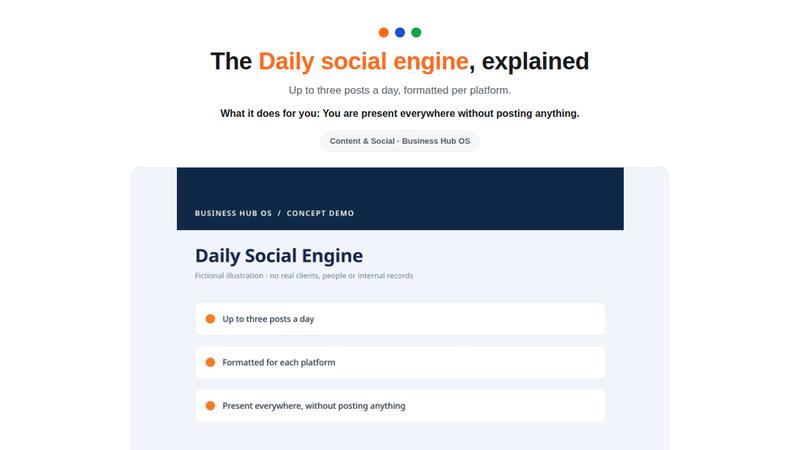
Social scheduling
Posts drafted from the brand guide, scheduled across the client's channels, and published on rhythm. The assistant reviews and approves; the calendar never depends on someone finding a spare hour.
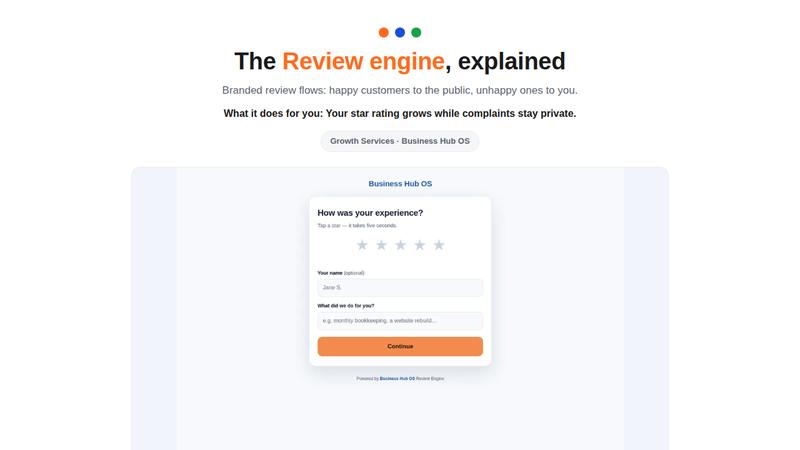
Reviews
Review requests that go out after good work, replies drafted in the client's voice, and the public profile kept current, so the proof a prospect goes looking for is actually there to find.
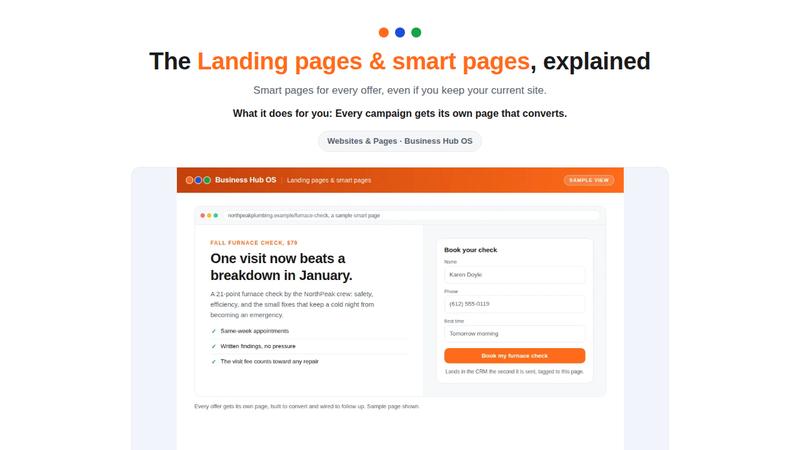
Funnels and landing pages
Pages that give a visitor a smaller first step than booking a call: a guide, a quiz, a calculator, a sample. Every page feeds the same CRM account, so interest raised anywhere lands in one pipeline.
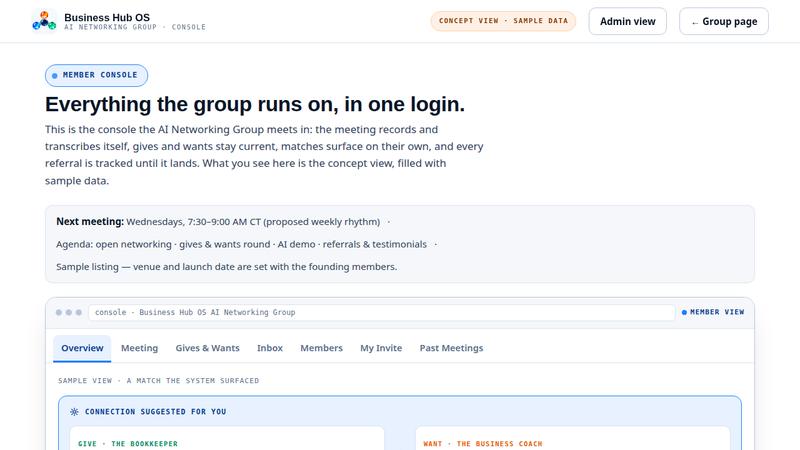
The demo console, running on labeled sample data.
The unified inbox
Every channel's conversations in one place, against the contact record. Campaign replies, page messages, and texts sit in the same thread the assistant already works from.
One system, not a pile of apps
Everything in this section runs in one place. The CRM in Zuops holds the contacts, the unified inbox, the campaigns, the automations, the pipelines, the calendars, the reviews, and the funnels. Zernio carries the calling and the social posting into that same account, and social media management runs from the same brand guide in the client folder. One login, one record per client, and an assistant who never has to ask where something lives.
04A landing page for every VA, all of it flowing into one CRM
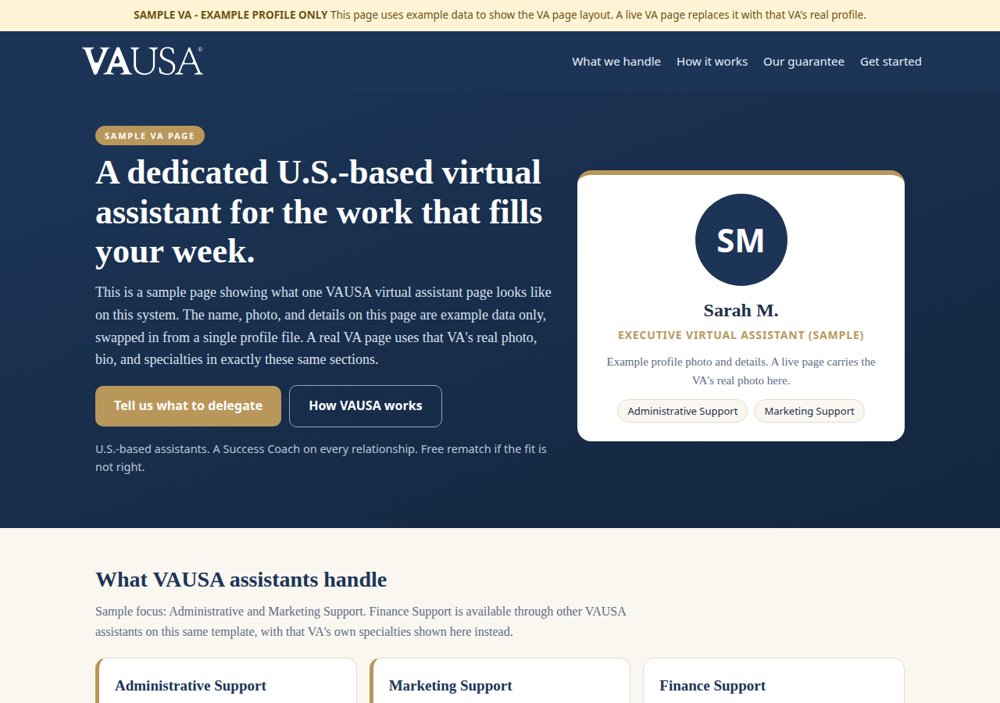
Section 03 described the system. This is its front door, planned end to end. Every VA gets their own landing page, built on one template: the person up top, what they handle, VAUSA's proven process, the guarantee, their credentials, and a capture form. A new VA is a data swap, not a rebuild: add one profile with their photo, bio, and specialties, and the page generates in the same sections, in VAUSA's brand, with Business Hub OS as a small footer credit. On top of the roster sits Caitlyn's leader page, the front door for the whole team, with the voice AI live on it, so a prospect can talk to the page, ask about the match, and get captured instead of bouncing off a form.
The pages and consoles below are built and running as previews, shown here for review. The sample VA is a sample, labeled as one on her own page, and the console roster already carries sample assistants (Sarah Mitchell, Jessica Lane, Emily Ross, Megan Kelly) so Caitlyn can see exactly how the roster fills in as real VAs come on.
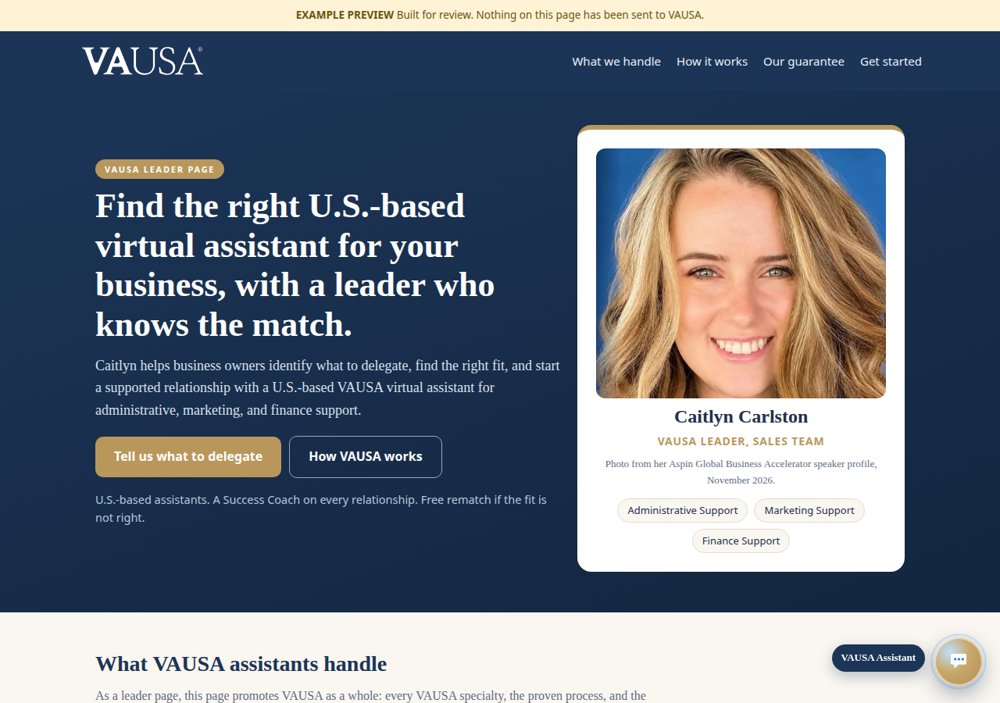
Caitlyn's leader page
The front door for the whole roster: every specialty, the proven process, and the guarantee, with the voice AI live on the page and Caitlyn's own capture form underneath. Open the preview
One VA's own page
Sarah M., a sample assistant, labeled SAMPLE on the page itself. This is exactly what one VA's page looks like: her specialties, her bio in her own words, and her capture form, swapped in from a single profile. Open the preview
A console per person
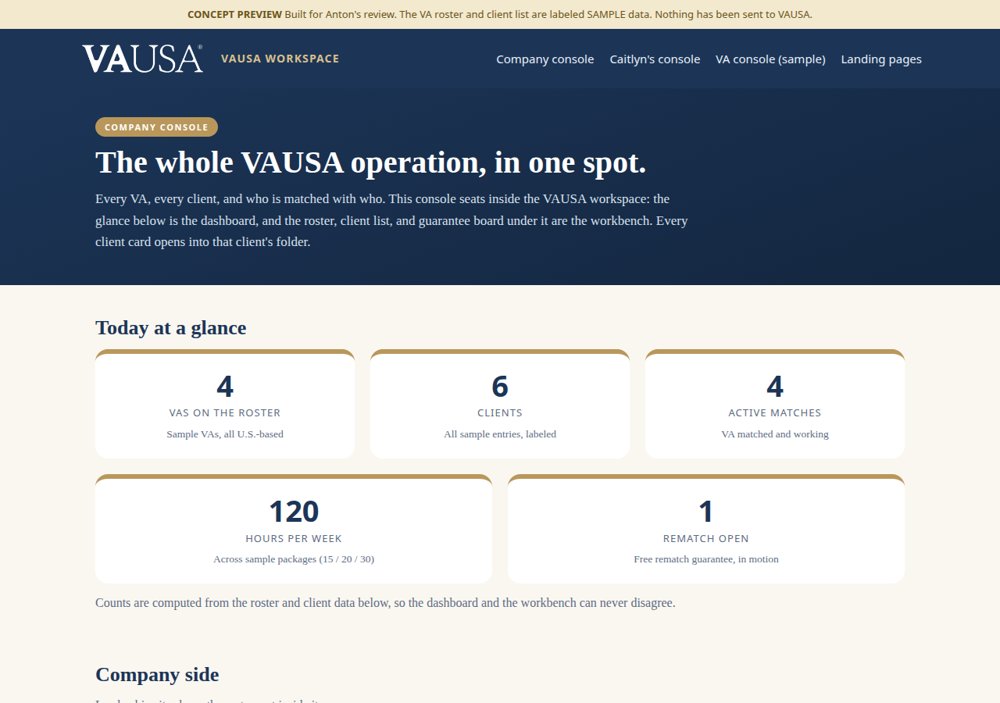
The company console is VAUSA's home base: the roster, the client list, and the guarantee board at a glance. Caitlyn's console carries her pipeline; each VA's console is their workbench, down to each client's folder. Open the preview
And here is how the whole plan flows, from a visitor on a page to a client being served:
Capture on the page
Every page carries the same capture form: the work on their plate, the help they need (administrative, marketing, finance, or not sure yet), the hours they are thinking (15, 20, or 30 a week), and the first thing they would delegate. Every submission is tagged with the page and the person it came from.
Into one CRM
Every submission lands in Zuops, under the VAUSA agency model from section 03: one subaccount per client, never a shared pile. The lead from Caitlyn's page and the lead from a VA's page arrive in the same system, routed to the right account from the first touch.
One inbox, fast follow-up
The unified inbox holds every conversation that follows, and follow-up sequences answer in minutes instead of the next business day. The match process Caitlyn runs, two top candidates with profiles and assessment results, moves through the pipeline where everyone can see it.
The folder is the truth
Each client gets their folder as the source of truth, and the NotebookLM guide reads it. When a VA starts, or backup coverage steps in, they onboard from the guide and the client's own material, which is how VAUSA's replacement and backup promises get faster to keep.
A console per person
Caitlyn sees the whole roster and pipeline from her console. Each VA works from their own: their clients, their roadmaps, their SOPs. Each client's work sits inside that client's own account, so nothing about one business ever leaks into another's view.
Oversight on top
Anton and Erik keep a second set of eyes on the system itself: the pages, the wiring, the follow-up, the numbers. It is the same coach layer VAUSA already runs for its people, applied to the plumbing underneath them.
Where it stands, plainly: the pages and consoles are built and running as previews for review, and the capture forms are built in place on every page. Wiring those forms into VAUSA's live CRM account is the step that happens when the account stands up, and it gets proved with a test lead landing and reading back before anything is called live. The sample pages use sample people, labeled as samples. Before any of this reaches a client, the pages move off the preview address onto VAUSA-facing domains.
05Your AI on your own hardware: the local model
Now multiply AI use by a whole team. When dozens of assistants use AI all day, every day, per use API billing multiplies with them, and client material flows to third party clouds with every request. The alternative Anton raised on the call: run the repetitive work on a local model, on VAUSA's own hardware, inside VAUSA's own walls.
What runs local
The drafting tier of an assistant's day: pre-call lead research, follow up drafts from call notes, inbox triage and first-pass replies, and the SOP driven tasks VAUSA already documents so well. High volume, well defined, checked by a human before anything sends.
Why the math changes
Per token billing scales with every assistant and every task. A local model turns that into one capable machine per hub doing the repetitive work for the team around it, with the meter off. The savings grow with the team instead of shrinking from it.
Client data stays home
Research notes, inboxes, and client documents are processed on VAUSA hardware and never leave the building. For a company whose clients hand over the keys to their calendars, inboxes, and operations, that is a promise worth being able to make.
The honest shape
Local models are excellent at drafting and triage; the judgment calls, final polish, and hardest reasoning still go to the frontier cloud models, per task, on purpose. The setup is one capable local box per hub, not a machine per person, and not a promise that local replaces everything.
How a hub actually gets stood up
One capable machine is placed at the hub and specced for the drafting workload, not bought per person. The local model is installed on it and pointed at the client folders as its source of truth, so every draft it produces draws on that client's own material. FluidVoice capture runs on the same hardware, so what assistants say and hear in meetings lands in the same folders the model reads. One routing rule is set from day one: drafting and triage stay local, judgment work goes to the frontier models, and a human checks everything before it sends. Then the team is trained on that split, so the setup is a working habit, not a box in a corner.
06FluidVoice: the capture layer
Systems only work on what gets into them. FluidVoice is the capture layer we use ourselves: a free, open source dictation app that runs entirely on the person's own device. Hold a key, talk, and cleaned text lands at the cursor in whatever tool is open: the CRM, the inbox, the client's documents. Its meeting tool, Fluid Meet, records client calls on the device with speaker labeled transcripts, which export straight into that client's folder, where the local model and the folder system pick them up: summaries, follow up drafts, CRM notes.
- No account, no per seat cost: every assistant installs it free on their own machine. There is no team plan, no admin console, and no central FluidVoice workspace, and we will not pretend there is.
- The folder is the shared layer: FluidVoice captures per person, per device; the per client folder is where transcripts and dictated work come together for the team.
- Audio never leaves the device: transcription runs locally, which pairs naturally with the local model above. The Mac build is the stable one today; the Windows build is in beta, so a rollout goes Mac first and standardizes the install as it goes.
07Ideas from the conversation
The call sparked more than it settled. These are the ideas that came out of it, and out of the thinking since, written down because they belong to VAUSA as much as to us. None of this is a proposal, and none of it is a promise. It is the direction the conversation kept pointing, offered for Caitlyn and her team to react to.
VAUSA's own AI practice
Business Hub OS as VAUSA's AI consultants: an agency style console over the client accounts, where every client has their own account and folder as the source of truth, assistants work inside it, and VAUSA keeps visibility across all of it. The system stops being tools that individual assistants improvise with and becomes the company's own way of working.
Train the assistants, never replace them
The idea is not to supply assistants. It is to train VAUSA's own team on the AI layer, coach supported, the way VAUSA's Success Coaches already train both sides of a match. VAUSA runs an internal competition for the most useful AI system an assistant can build; training gives that energy a shared playbook to land in, and the skill stays with VAUSA's people.
A guide that onboards the next assistant
One NotebookLM guide per client, reading that client's folder. When a replacement assistant steps in, or backup coverage takes over, they ask the guide questions and listen to an audio overview of the account instead of starting cold. VAUSA's free replacement and backup promises get faster to keep.
Local models, hub by hub
As VAUSA grows, the routine tier of the work, lead research, follow-up drafts, inbox triage, SOP tasks, runs on local models on VAUSA's own hardware, one hub at a time, stood up the way section 05 describes. Client data stays off third party clouds, and the per use meter stops growing against every new assistant.
Nothing lives only in memory
Fluid Meet transcripts and dictated notes export straight into the client's folder after every call. Months later, anyone working the account can find what was decided and why, because the record entered the system the day it happened.
One inbox for every client
Each client's email, texts, and social messages land in one unified inbox inside that client's account, connected by links the client authorizes. Assistant and client look at the same threads, and a message that arrives at midnight is waiting in the open at start of day, not buried in an app.
08The toolkit this system is built from
Every piece of the system above is a standing product in the Business Hub OS showcase, each with its own explainer page. A selection of the ones this overview leans on:
CRM Workspace
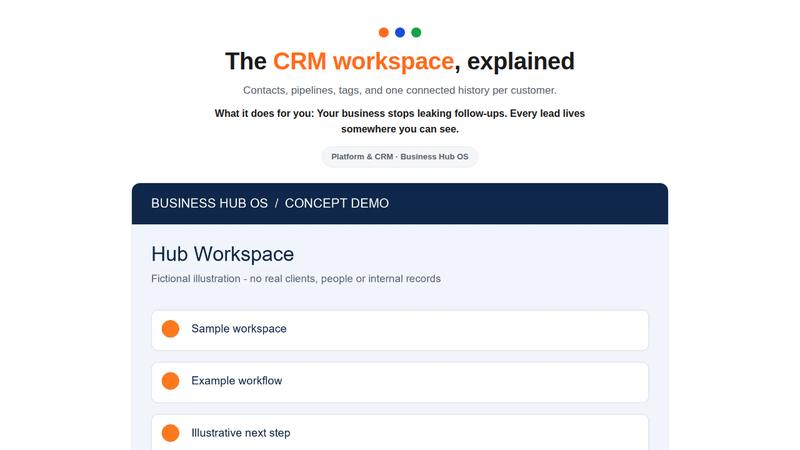
The account at the center: pipelines, contacts, booking, and automation in one place. See the explainer
AI Chat Agent
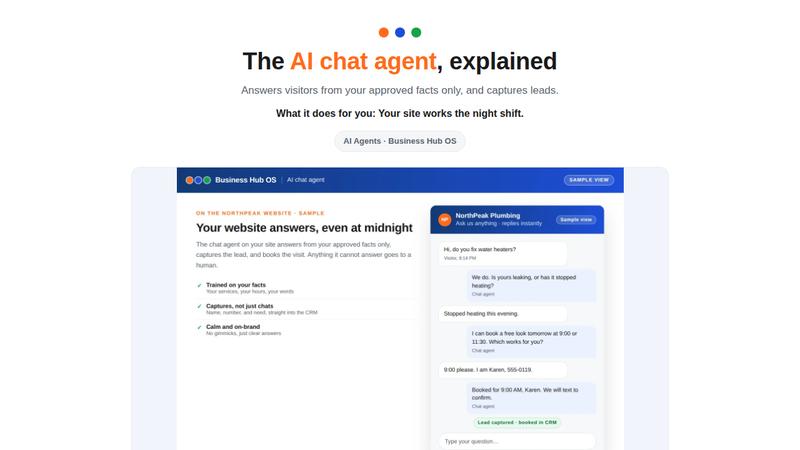
The orb on a client's website, trained on their folder, answering visitors and capturing leads around the clock. See the explainer
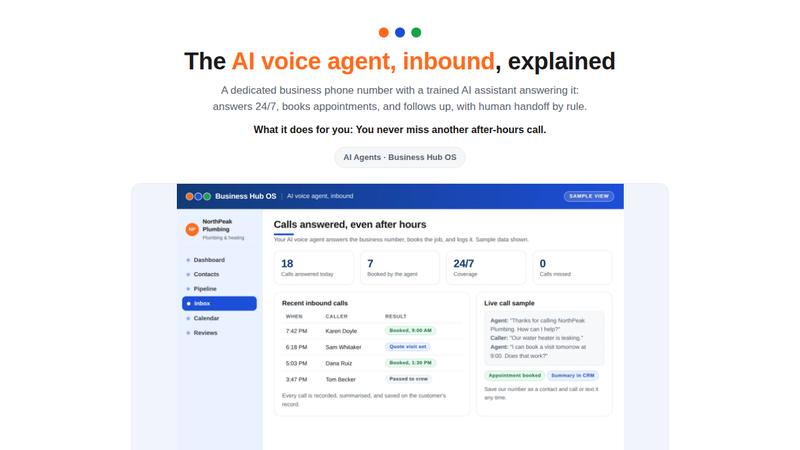
AI Voice Agent, Inbound
Calls answered by an agent that knows the business, books the appointment, and logs everything to the CRM. See the explainer
Pipeline and Follow-Up Automations
The sequences that answer new leads fast and keep every stage moving without manual chasing. See the explainer
Daily Social Engine
Content drafted from the brand guide, scheduled, and posted across channels on a daily rhythm. See the explainer
Review Engine
Requests, replies, and profile care that turn finished work into public proof. See the explainer
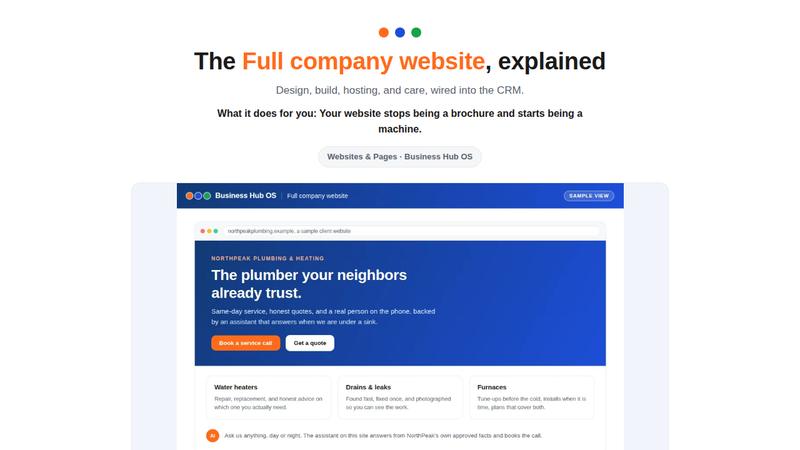
Full Company Website
A complete site in the client's own brand, wired into their CRM from the first form. See the explainer
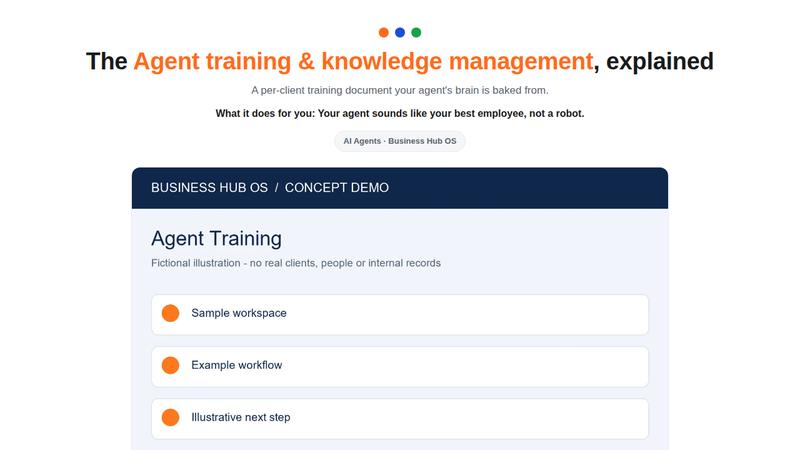
Agent Training
How assistants and clients learn to run the system themselves, which is the point of all of it. See the explainer
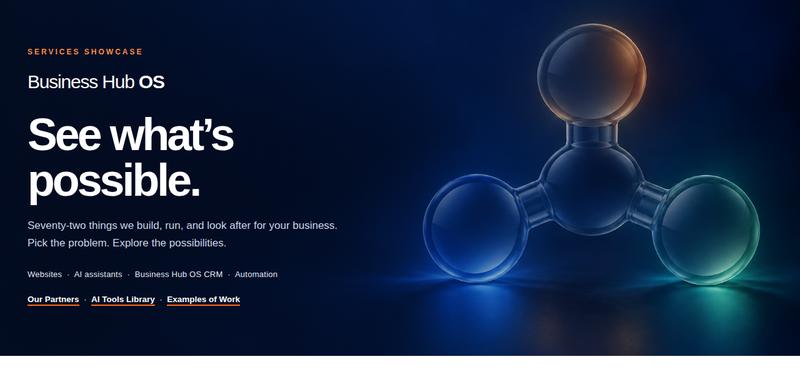
The Full Showcase
Every product in the fleet, each with its own explainer page, on one page. Browse the showcase
09Companies we are already working with
This is not a mockup of what the system could run. These are live companies whose public sites and systems we already work on:

Pegasus Surfaces
Countertop surfaces in the Twin Cities, running on a live site, CRM, and AI agent. pegasussurfaces.com
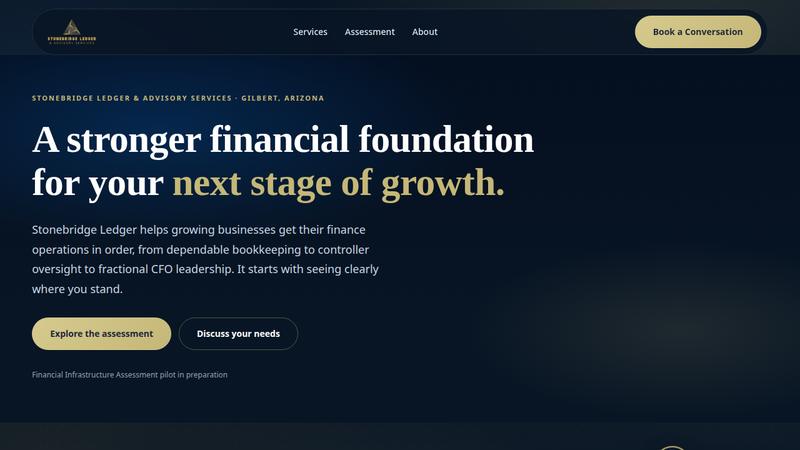
Stonebridge Ledger
Bookkeeping and advisory, with its CRM and client systems built out. stonebridgeledger.com
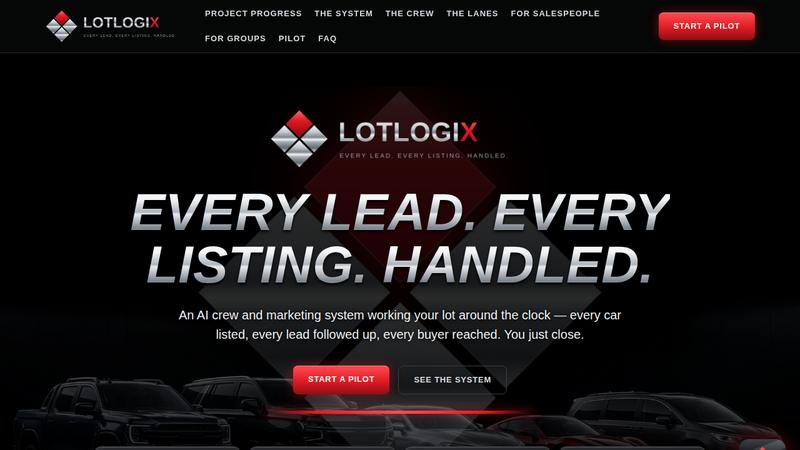
LotLogix
A working system for dealership sales teams, from lot walks to rep consoles. lotlogixos.com
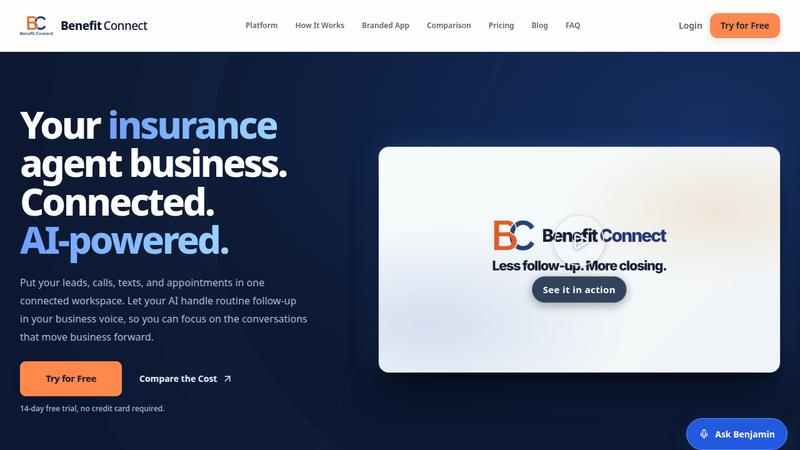
Benefit Connect
Benefits enrollment and partner systems, live and in use. benefitconnect.app
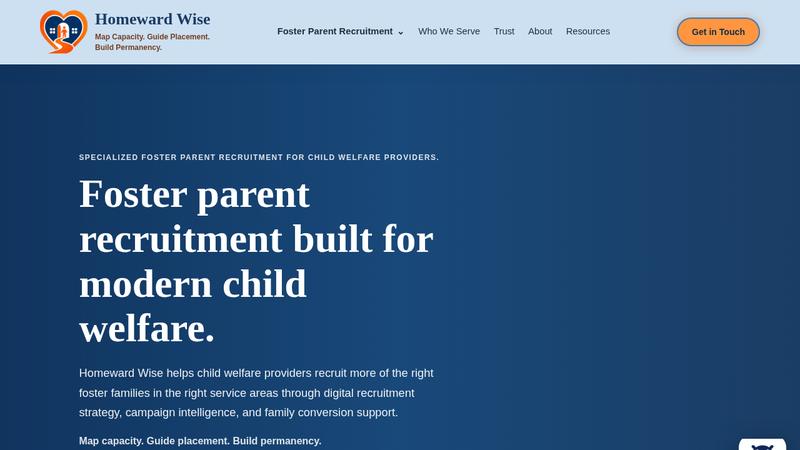
Homeward Wise
Real estate guidance with its site and client systems running. homewardwise.com
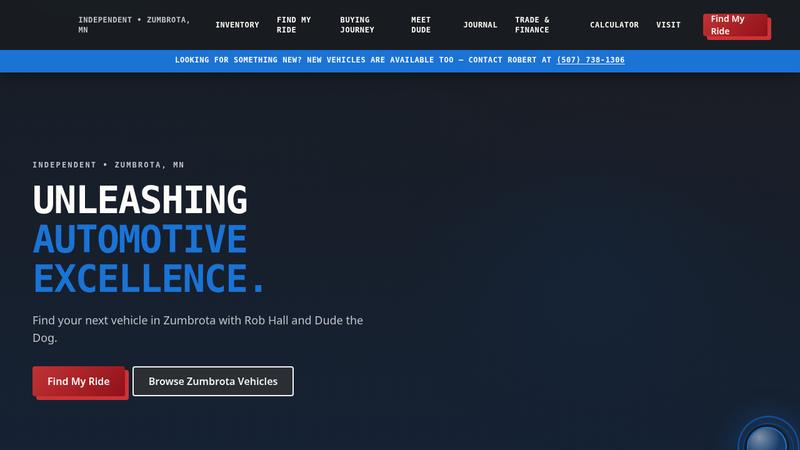
The Car Dude USA
Auto sales with a branded site and sales system behind it. thecardudeusa.com
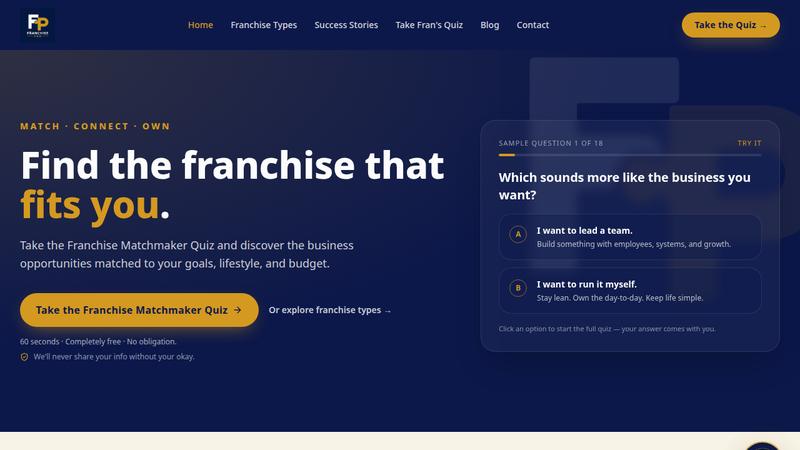
Franchise Pro
Franchise consulting, presented and run on the same stack. thefranchisepro.com
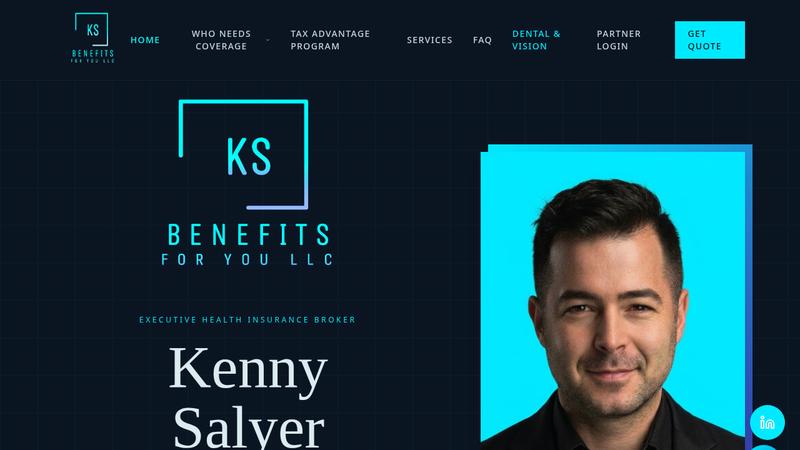
Benefits for You
Employee benefits with a live site and working systems. benefitsforyoullc.com
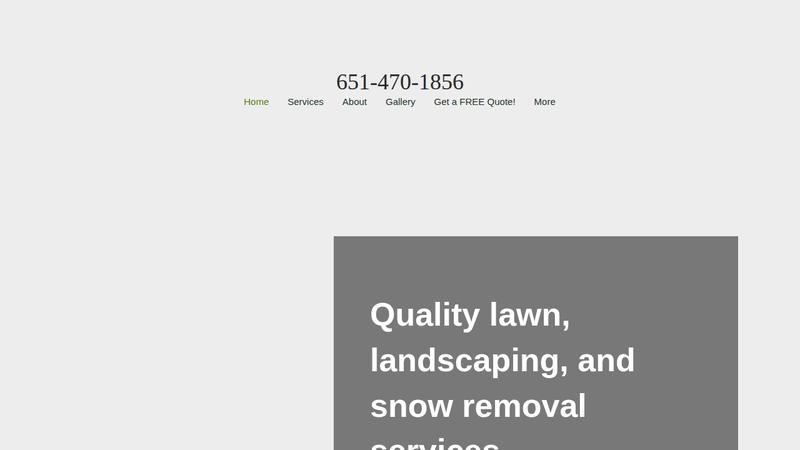
Quality Cut Lawn
A local lawn care company on a branded site wired to its CRM. qualitycutlawn.com
10The first step: the webinar
At the end of the call, Caitlyn named the starting point: a live webinar for VAUSA's assistants and clients, where we show this system working rather than describe it. The folder system live, the unified inbox, social running from a brand guide, the local model and FluidVoice capture layer, and open questions from the floor. What it would charge is a conversation for Anton's email, not a number on a page.
From there, the natural next step is the one Caitlyn proposed: a working session with her department head, in time for the team's Monday meeting, to decide how far VAUSA wants to take it, from the webinar to training the assistant team on the system itself.
Book the call
Pick any time that suits you. The full audit and the webinar outline are ready to walk through.
Book a Call